
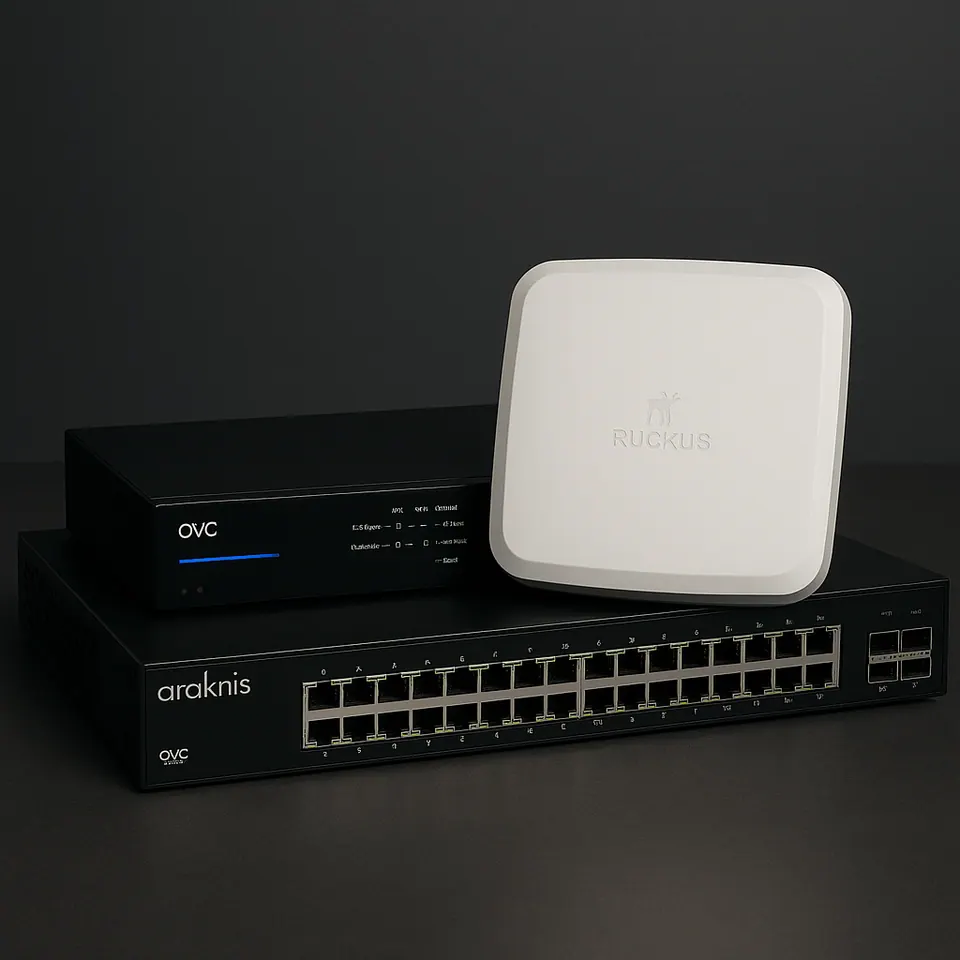
Networking and Wi‑Fi for homes that run on it
Enterprise-grade networks from Ruckus, Araknis and UniFi — designed in-house, built into a documented rack, segmented for security, and monitored after you move in.
Everything else depends on this.
Lighting, shades, audio, video, cameras, locks, the thermostat, your phones and your work all share one network. If it is undersized, poorly placed or badly configured, nothing in the house feels reliable — and the integrator gets blamed for the Wi‑Fi.
So we treat the network as the first system, not an accessory. Our in-house network engineering (PCNA and Ruckus certified) designs it; the field team builds and labels it; and we keep an eye on it remotely for as long as you want us to.
Wi‑Fi design and coverage
Ruckus, UniFi and Araknis access points placed from a survey or the plans, with wired backhaul and seamless roaming.
- Coverage through plaster, brick and steel
- Outdoor APs for terraces and gardens
- Guest network with its own rules
Switching and structured cabling
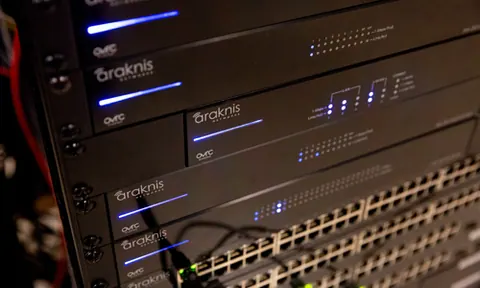
Managed PoE switching, Cat 6A and fiber runs, patch panels and a rack built to be serviced by anyone.
- PoE for cameras, APs, keypads and touchscreens
- Fiber between floors and outbuildings
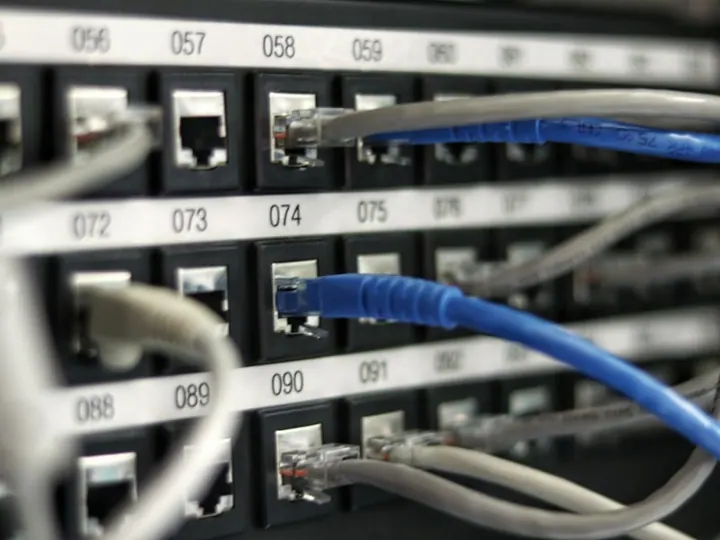
- Every cable tested, labeled and documented
Security and segmentation
Firewall, VLANs that separate IoT, AV, cameras and personal devices, and encrypted remote access for the systems we support.
- Firewall with content filtering if wanted
- Separate networks for staff and guests
- Failover internet (fiber + cable or cellular)
Monitored and managed after install
We manage client networks through OvrC, Ruckus and UniFi cloud controllers, so we see an access point drop or a switch port fail before anyone in the house notices. Firmware is kept current, and most issues are resolved remotely in minutes.
Networking questions
Why isn't my router from the cable company enough?
A luxury home today may have 100–300 connected devices: lighting processors, shades, speakers, cameras, TVs, thermostats, phones and laptops. A consumer router cannot segment that traffic, cover the whole house, or stay stable under the load. We design networks with enterprise access points, managed PoE switches, VLANs and a proper firewall — the same equipment used in offices, tuned for a home.
How many access points does my home need?
It depends on square footage, construction (plaster, brick and steel absorb Wi‑Fi) and layout. We survey the home or model it from plans and place access points for strong, overlapping coverage — usually one per 1,200–2,000 square feet in New York construction — with wired backhaul to every AP.
Can you fix a network someone else installed?
Yes. We assess what is there, document it, and fix or redesign as needed. Often the equipment is fine and the configuration is the problem.
Do you monitor the network after installation?
Yes. We manage networks remotely through OvrC, Ruckus and UniFi, see outages before you do, push firmware updates, and can reboot or reconfigure devices without a visit. Monitoring is included in our service plans.
Get the network right first.
New build, renovation or a network that keeps dropping — send us the plans or describe the problem and we will propose a fix.